Release Note
Room Deletion
Release date:
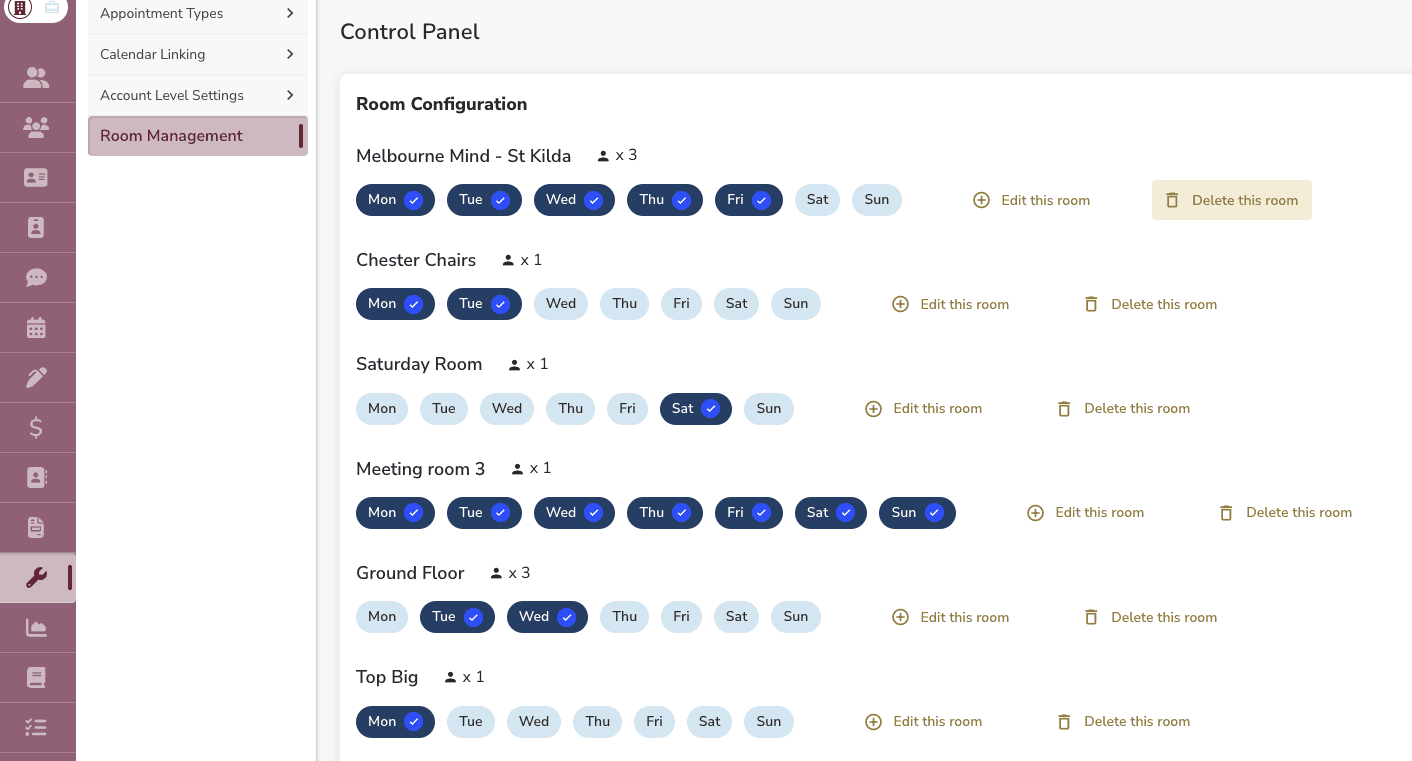
Rooms can now be deleted from Calendar Settings → Room Management. This is available to Superusers only.
What Happens When You Delete a Room
• The room is removed from all room lists, booking selectors, calendar filters, and appointment type preferred room settings
• Existing appointments that had the room assigned will show "No room booked" — no notifications or calendar updates are sent to clinicians or clients
• A confirmation modal explains the consequences before proceeding
Good to Know
• Only Superusers can see and use the delete action — it appears alongside "Edit this room" on each room card
• This is a soft delete — data is retained and recoverable if needed