Release Note
Appointment Campaign Builder
Release date:
Campaign Manager
Track every campaign you send. View history, filter by status such as scheduled, in progress, sent or completed, and see who created it and when it went out. Each campaign card shows participants, message details, and results at a glance.
Three campaign types
Reach the right clients with the right offer.
White Space Filler
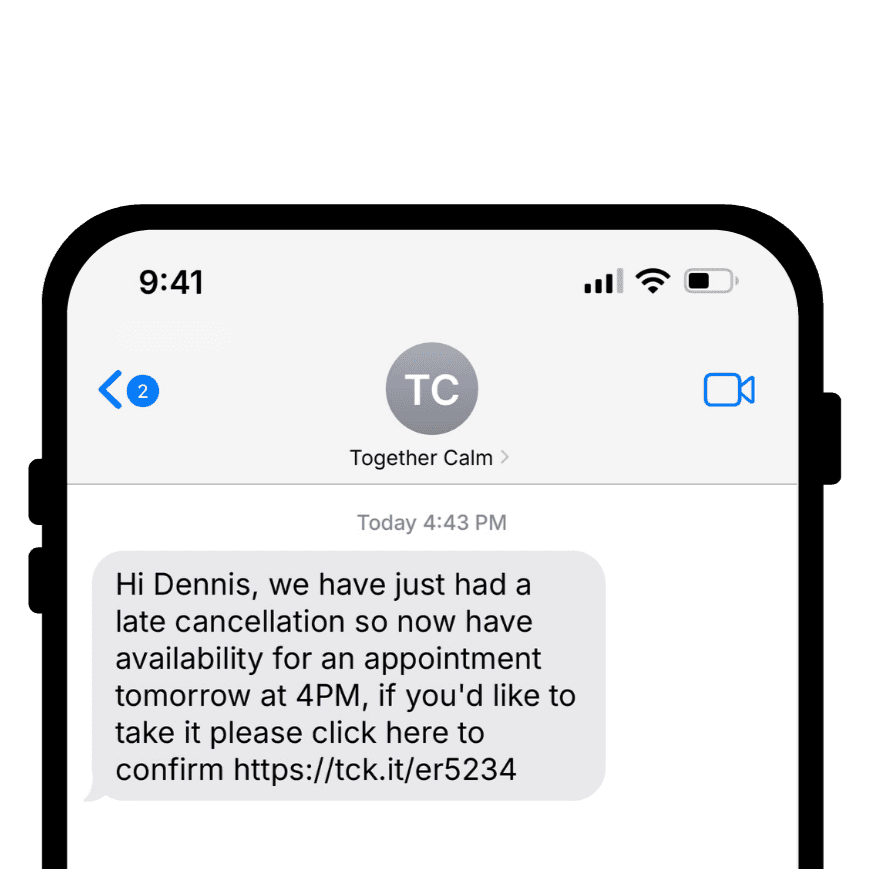
Send appointment availability to existing clients for a specific practitioner.
First Appointment
Encourage active or waitlisted clients who have been paired with a practitioner to book their first session.
New Matches
Send an appointment offer to clients who have not yet been placed. Use round robin auto allocation so bookings are automatically assigned to the right team member.
Message Builder with smart variables
Create personalised messages that improve booking rates. Insert client names, practitioner names, appointment dates, times or links using simple curly bracket variables. Save templates for reuse across your team.
Offer the exact slot you want filled
Select a specific appointment type and match it to live practitioner availability. Offer a single date and time or share all available slots. Add an expiry time so clients are always booking valid appointments.
Real time availability
Pulls directly from the practitioner’s calendar so your campaign always reflects accurate availability.
Audience selection and cohorts
Choose individual clients, select all eligible clients or add multiple cohorts. Send the first offer to a small group, then automatically expand to a second cohort after 30, 60 or 90 minutes if the slot remains unfilled.
Accurate SMS usage
See exactly how many credits will be used before you send. Save campaigns as drafts, schedule them for later or send them instantly.
Getting Started
Navigate to Messages → Appointment Offer.
Create a campaign type.
Use the editor to customise content, offer, and structure.
Select your audience and send.